
Fasting
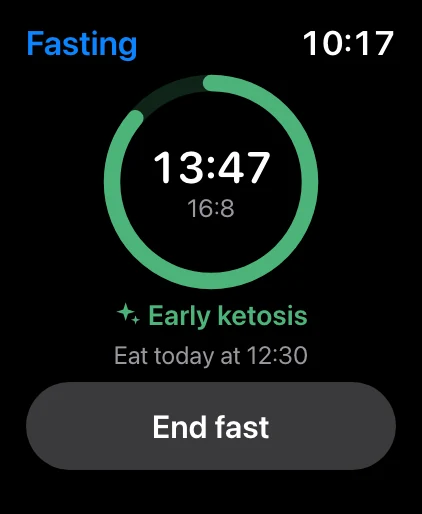
A live ring and the time left in your fast, with the metabolic phase and when to eat. Tap it to open the fasting page.
Free Kality for Apple Watch
See your fast, the calories and protein you have left and how you slept, right on your watch face. Everything stays in sync with Kality on your iPhone: start a fast on one, and the other follows.
Free. Today, the fasting timer and all the complications need no subscription. Needs watchOS 10 or later.
In sync
Your iPhone is where your data lives. It sends the numbers that matter to your watch as they change, so you never open an app just to check a number.
Complications
Five complications in Apple’s own styles: open-ring gauges, curved corners and a tinted title line. They fit Modular, analog and most other faces.
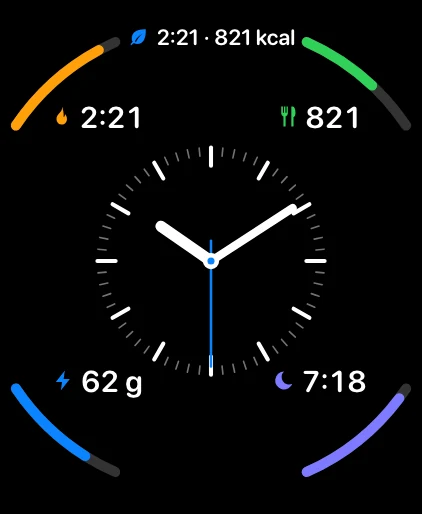
A live ring and the time left in your fast, with the metabolic phase and when to eat. Tap it to open the fasting page.
Calories left today against your goal, as a gauge, a curved corner or a line of text.
Grams so far, grams to go. Handy when you are chasing a protein target.
Last night’s sleep and score. In the evening it becomes a Start sleep button, then a running timer while you sleep.
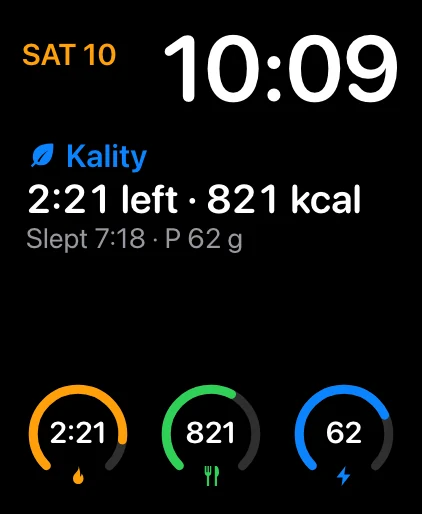
One rectangular or inline complication with your fast, calories left, last night and protein together.
Circular, corner, rectangular and inline, so each one fits the face you already use.
Today & fasting
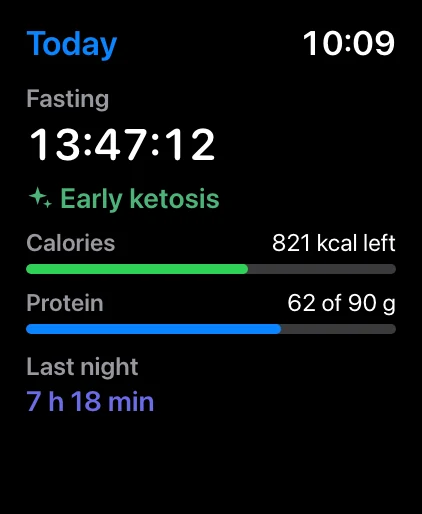
Scroll through three pages: Today, Fasting and Sleep. Today shows your fast and its metabolic phase, calories and protein left, and last night. The fasting page is a live ring you can start or end with a tap.
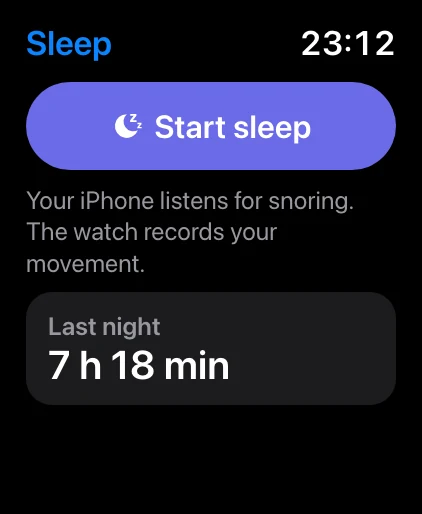
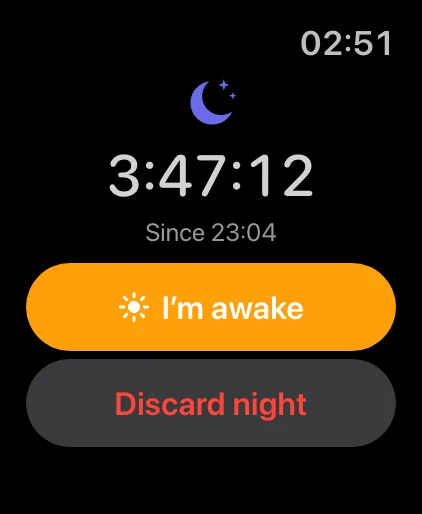
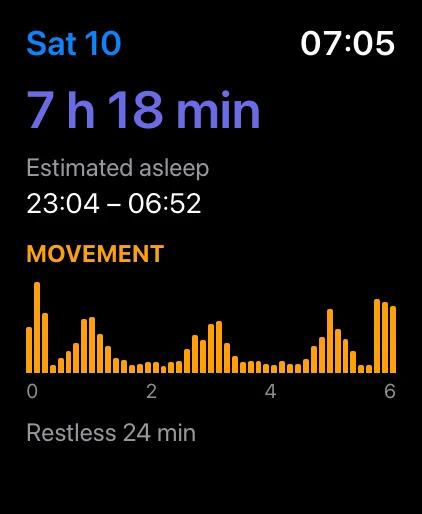
Sleep · Premium
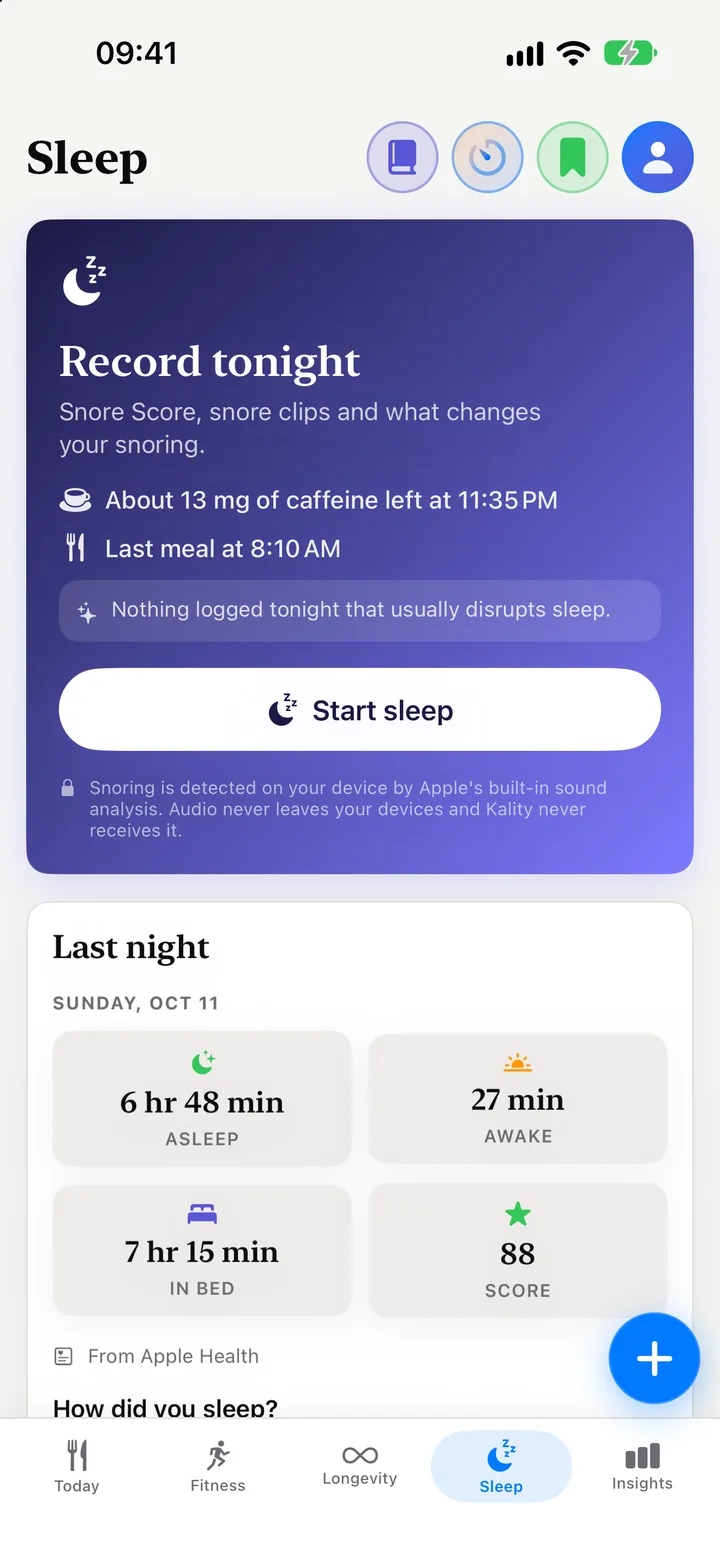
Your iPhone on the nightstand records the sound and finds snoring. Your watch records your movement and reads your overnight heart rate. In the morning, Kality joins both into one night, with your Snore Score.
Free & Premium
Included, no subscription
For the full night
Yes. Kality has an Apple Watch app for watchOS 10 and later. It installs from the Watch app on your iPhone, or from the App Store on your watch, and you need Kality on your iPhone because it is where your data lives.
Yes. Today at a glance, the fasting timer and every watch face complication are free. Starting a sleep recording from your watch is part of Premium. Recording a night on your iPhone, with a Snore Score, is free.
Your iPhone is the source of truth. It sends your current fast, today’s calories and protein and last night’s sleep to the watch whenever something changes. Start or end a fast on the watch and it is applied on your iPhone too, including the Live Activity and your fasting reminders. If the phone is out of reach, the watch keeps the change and sends it later.
Fasting, Calories, Protein and Sleep, each as a circular gauge, a curved corner gauge, a rectangular widget and an inline line of text, plus Kality Today, a rectangular and inline summary of your fast, calories left, last night and protein.
No. When you record a night, your iPhone on the nightstand records the sound and finds snoring on the device with Apple’s sound analysis, and the watch only records your wrist movement and reads your overnight heart rate. The audio never leaves your iPhone.
No. If your Apple Watch, WHOOP, Oura or another tracker writes sleep to Apple Health, Kality shows that night, with its stages, and adds snoring on top. Kality never writes sleep to Health, so a night is never counted twice.
Yes. The Sleep complication turns into a Start sleep button in the evening, from 6 PM to 3 AM. One tap opens Kality and starts the night, and the complication then shows a running timer.
Explore Kality
Sleep & snoring
Record your night on iPhone, get a Snore Score and listen back. Free.
Sleep tracking
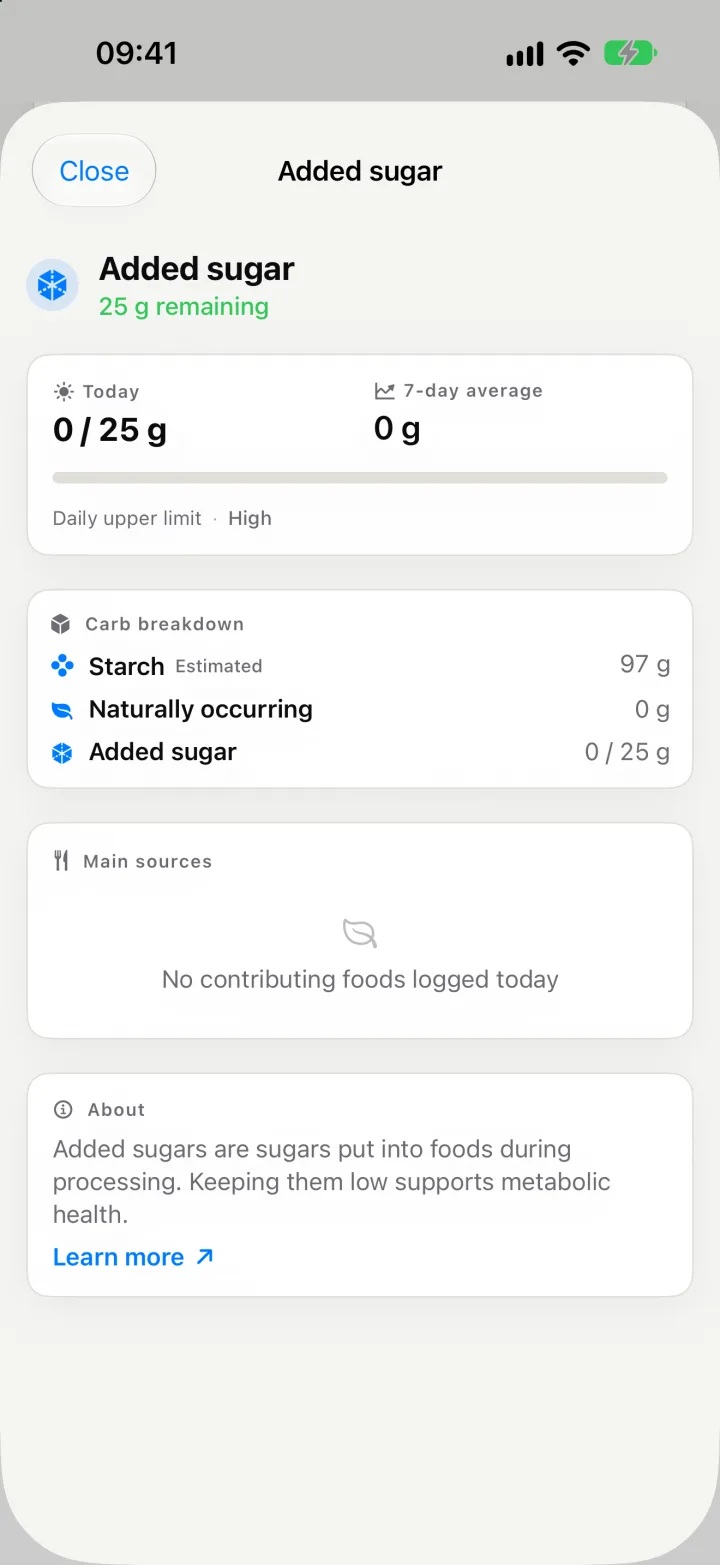 Macros & micronutrients
Over 40 nutrients per meal, from omega-3 to added sugar.
Nutrient breakdown
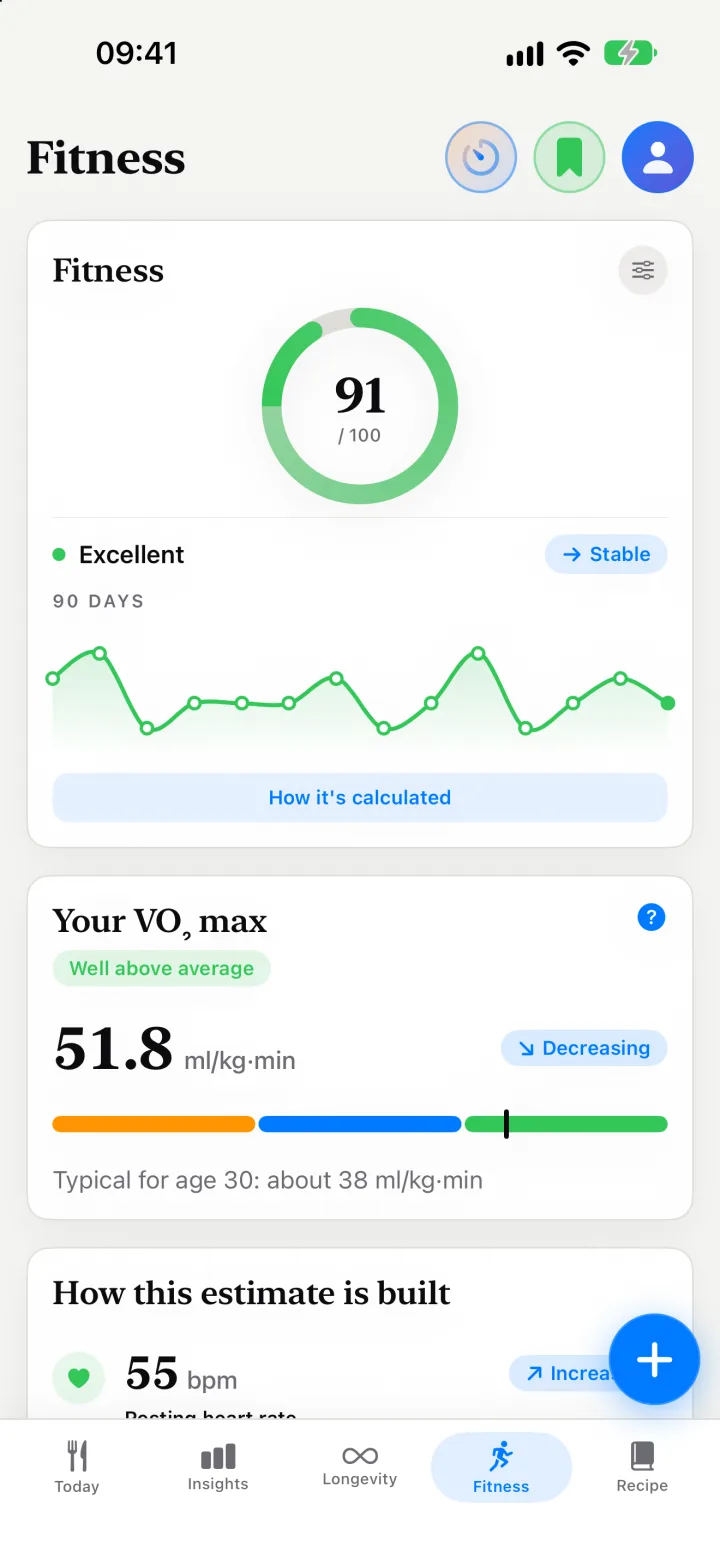 Longevity & VO₂ max
A Longevity Score, a Fitness score and an estimated VO₂ max.
Longevity Score
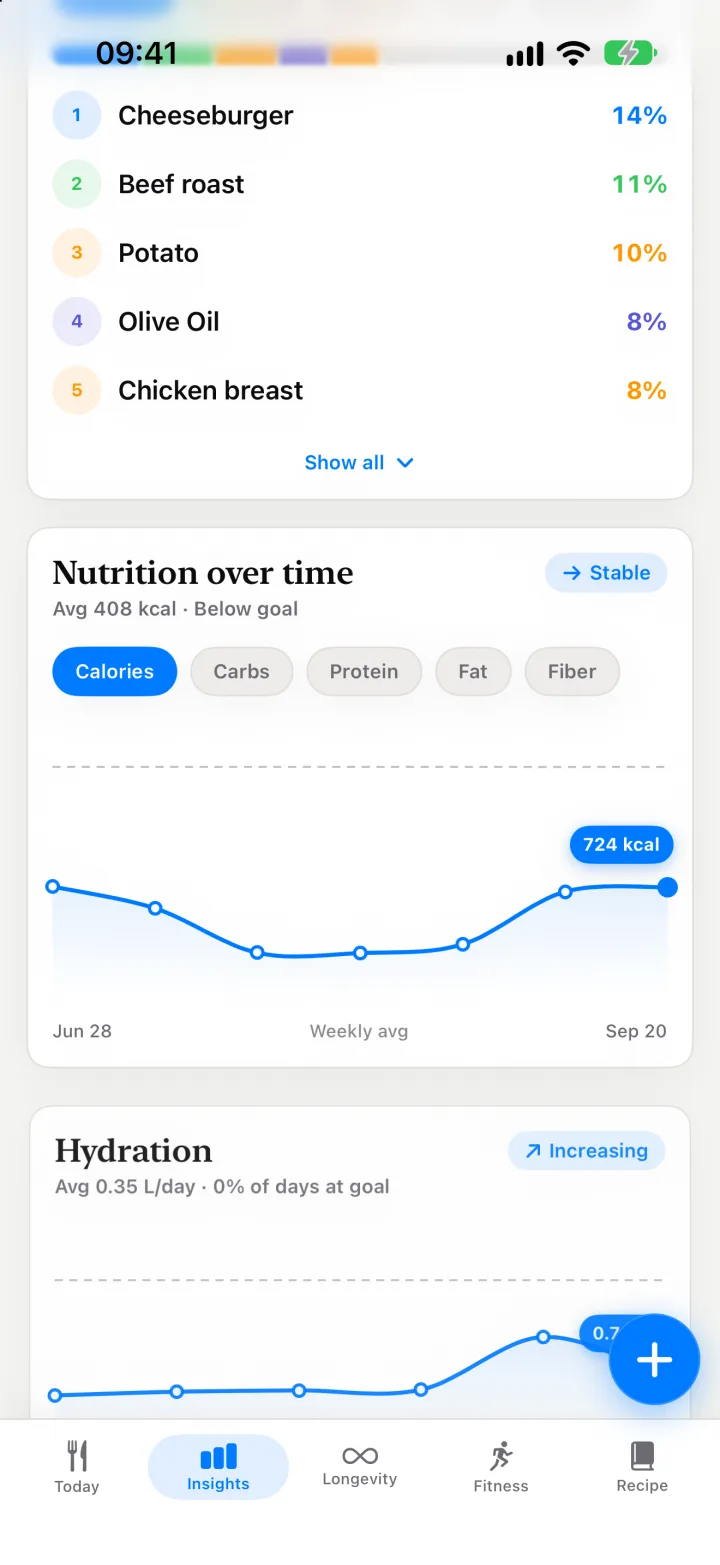 Insights
Your top foods, meal timing and nutrient gaps over weeks.
Insights
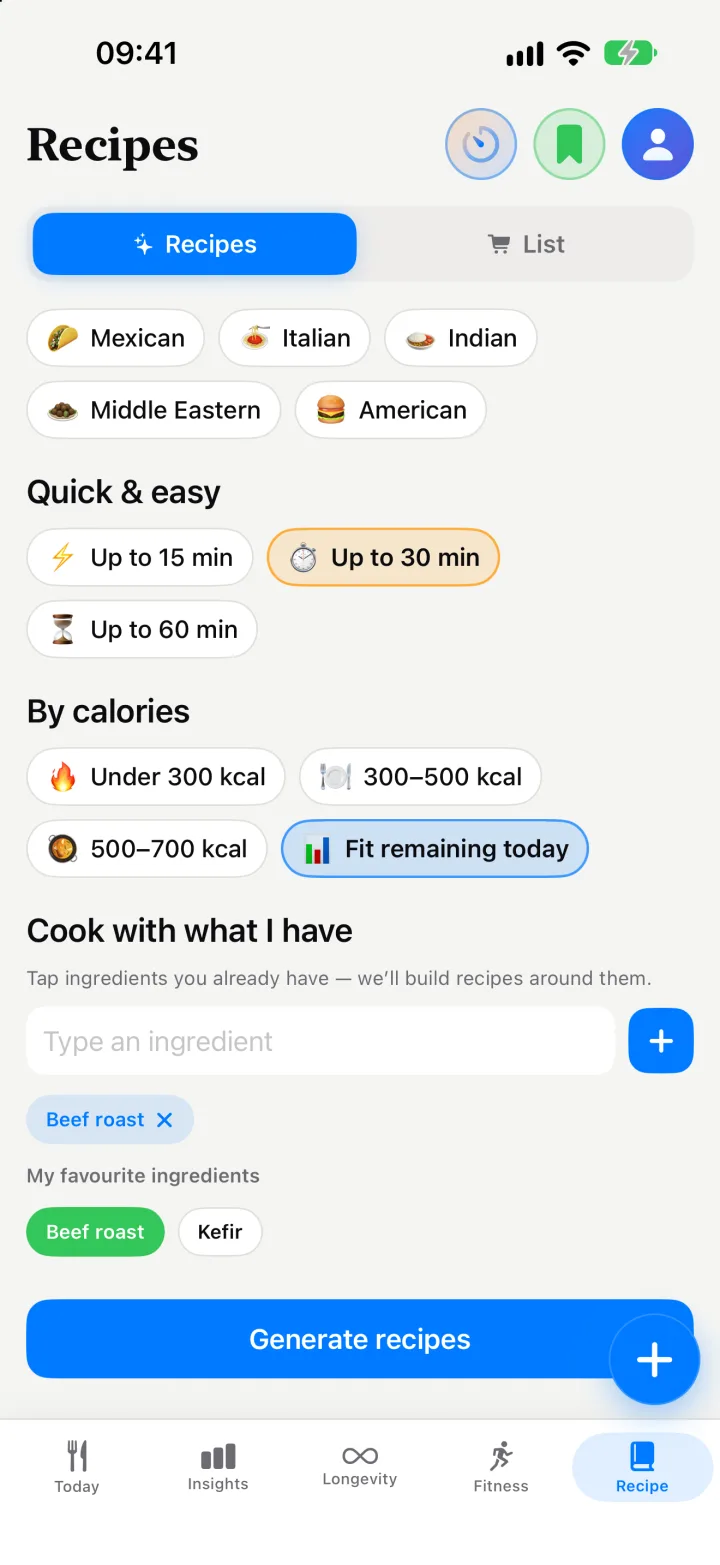
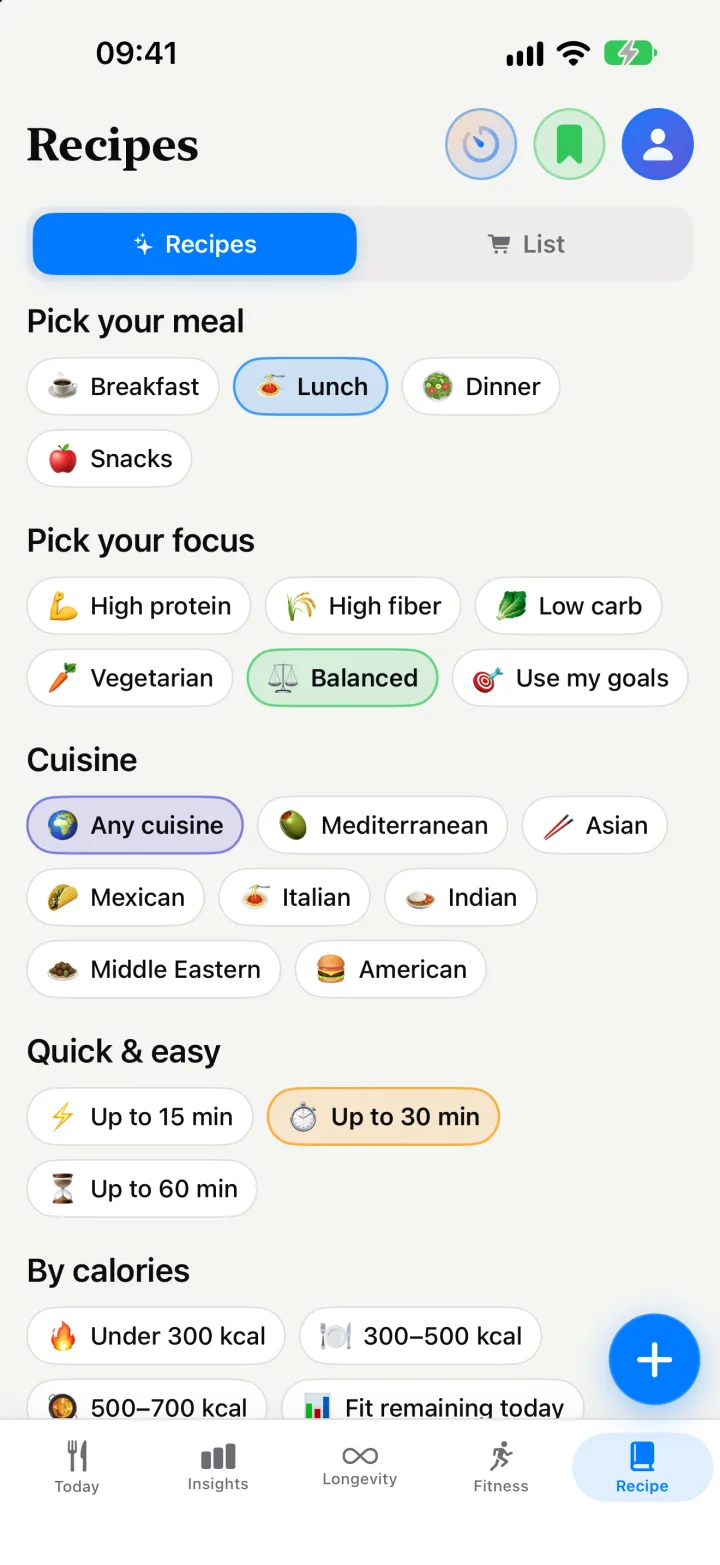 Recipes & shopping list
Recipes from what’s in your fridge, and a shared list.
Recipes
 Family
One Premium covers your partner. Share meals and a shopping list.
Kality Family
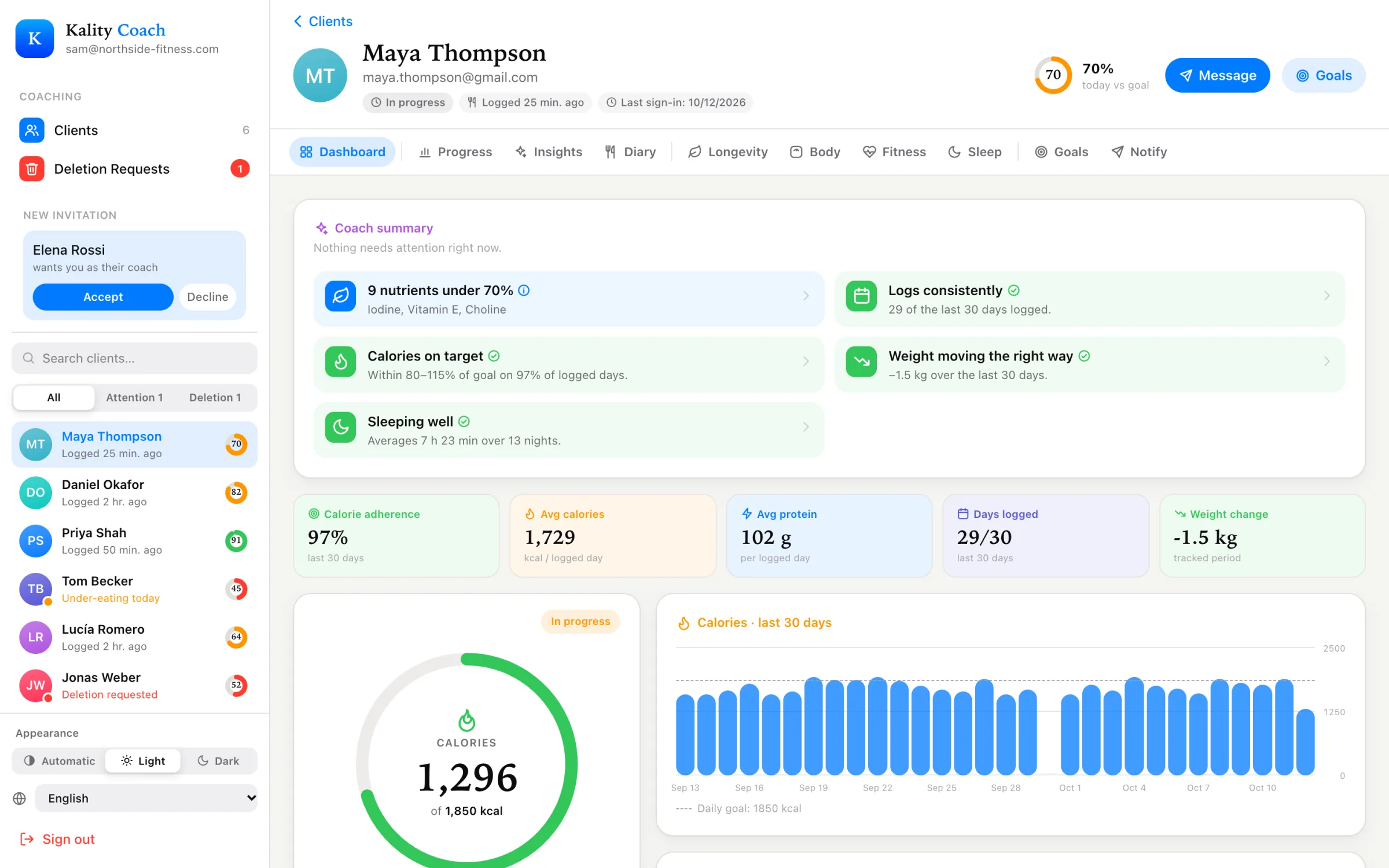 For coaches
A free dashboard for the meals and goals your clients share.
Coach dashboard