
Kality Family
One Premium. Two people.
Eating better is easier together. With Family, your Kality Premium covers your partner too, for free. Split the dinner you cooked, and keep one shopping list you both can edit.
Your partner gets every Premium feature while you're linked. No second subscription.
How it works
Linked in under a minute.
-
Invite your partner
In Settings → Family, tap Invite by email. Your partner gets an email with a 6-character code and a Join the family button. The invitation is valid for 14 days.
-
They join
Your partner installs Kality, creates their own account and enters the code in Settings → Family → Enter a code, or simply opens the link from the email.
-
Premium for both of you
As soon as they join, your Premium covers them. You get a notification that they've joined, and you can start sharing meals and your shopping list.
Family needs Kality Premium on the account that sends the invitation. Your partner pays nothing.
Share a meal
Cook once, log it for both of you.
After you save a meal, tap Share with your partner. Drag across the plate to split it, from 5% to 95%, or pick 50/50, 60/40 or 75/25. Cooking the same dish twice? Choose Same portion and you each get 100%.
- Your partner gets a notification and a card on their Today screen
- They tap Review, check the ingredients and add it to their diary
- With a split, your own log is reduced to your share, so neither of you counts the whole plate
- Not hungry? Decline. Unanswered shares expire after 48 hours
Your partner's side
They see the meal. Not your diary.
Each of you keeps your own account, goals and food diary. Your partner only sees the meals you choose to share, with their portion already worked out. Everything else stays private.
- Separate profiles, calorie goals and nutrient targets
- Shared meals arrive with ingredients and nutrition filled in
- You can also share from a chat with Kality's coach
Shared shopping list
One list. Both phones. Always up to date.
Open your shopping list and tap Share list. From then on you both see the same list: whoever's at the shop ticks things off, and the other sees it straight away.
- Either of you can add, edit and tick items
- Add a recipe's ingredients in one tap, or type, paste or say the rest
- Sorted by food type or by your store's aisles
- Make it private again anytime. You each keep a copy
Questions about Family
Does my partner really get Premium for free?
Yes. When your partner joins your family, your Kality Premium covers them too, with every Premium feature, at no extra cost. Their Premium stays active while you're linked and your subscription is active.
How many people can join a family?
Two: you and one partner.
How do I invite my partner?
Go to Settings → Family and tap Invite by email. Your partner gets an email with a 6-character code and a button to join. They can also enter the code in Settings → Family → Enter a code. Invitations expire after 14 days.
Does my partner need their own account?
Yes. Each of you has your own Kality account, profile, goals and diary. Only Premium, the meals you choose to share and the shopping list are shared.
Can my partner see what I eat?
No. Your diary, profile and health data stay private. Your partner only sees a meal when you share it with them.
How does sharing a meal work?
After you save a meal, tap Share with your partner. Split the plate (for example 60/40) or share the same full portion. Your partner gets a notification, reviews the portion and adds it to their diary in one tap. With a split, your own log is reduced to your share.
Is the shopping list shared automatically?
No. Either of you can share it from the shopping list menu with Share list. From then on you both see and edit the same list in real time. Stop sharing at any time and each of you keeps a private copy.
What happens if we leave the family?
Either of you can leave in Settings → Family. Meal sharing stops, each of you keeps your own copy of the shopping list, and sponsored Premium ends.
Explore Kality
More from Kality.
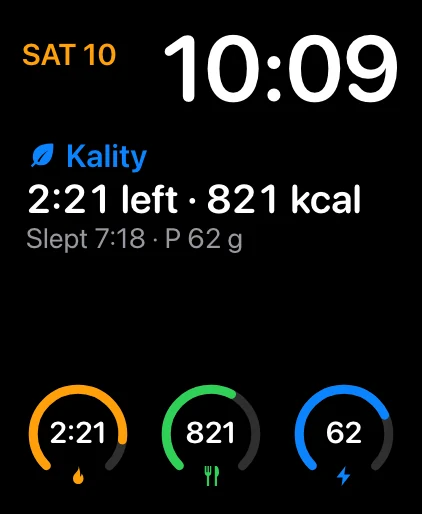 Apple Watch
Your fast, calories, protein and sleep on your wrist, with complications.
Kality on Apple Watch
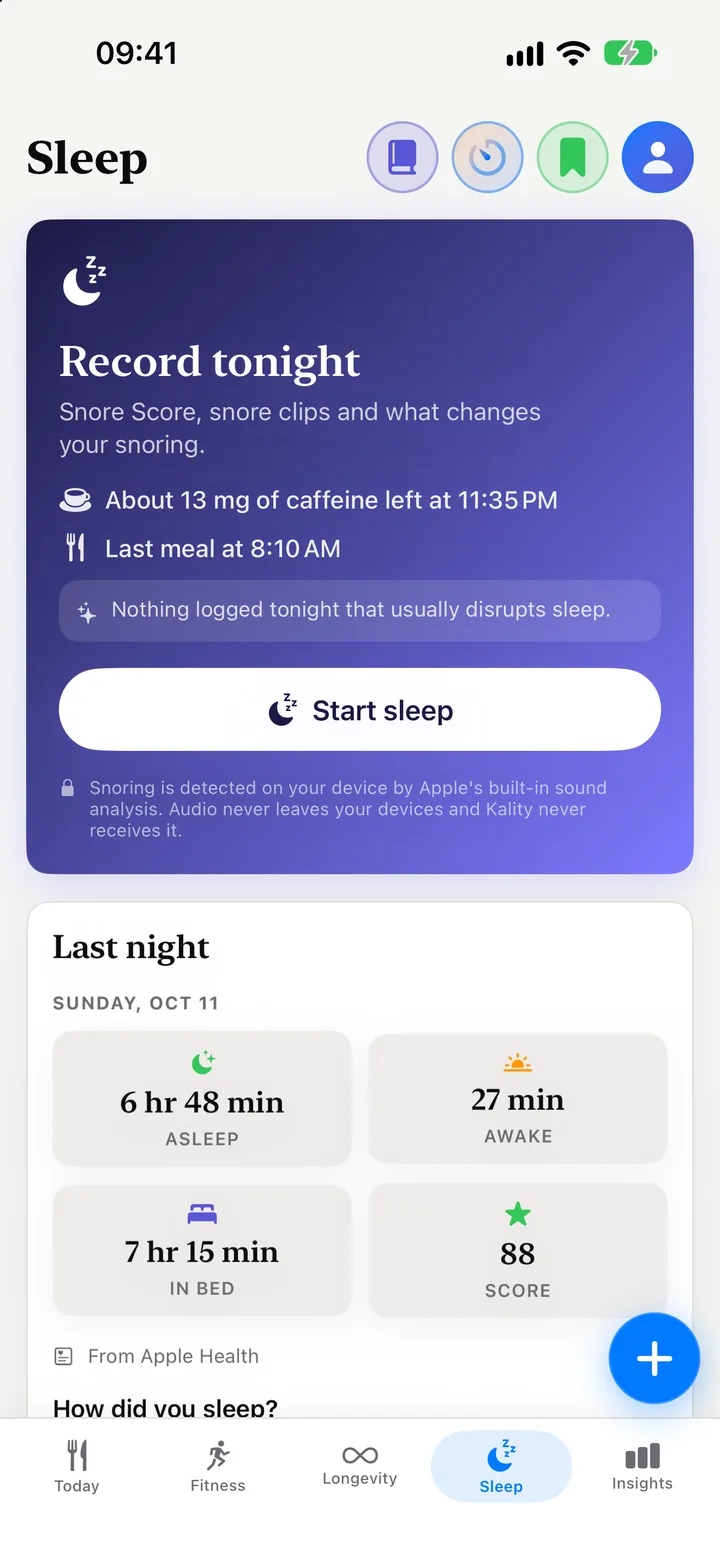 Sleep & snoring
Record your night on iPhone, get a Snore Score and listen back. Free.
Sleep tracking
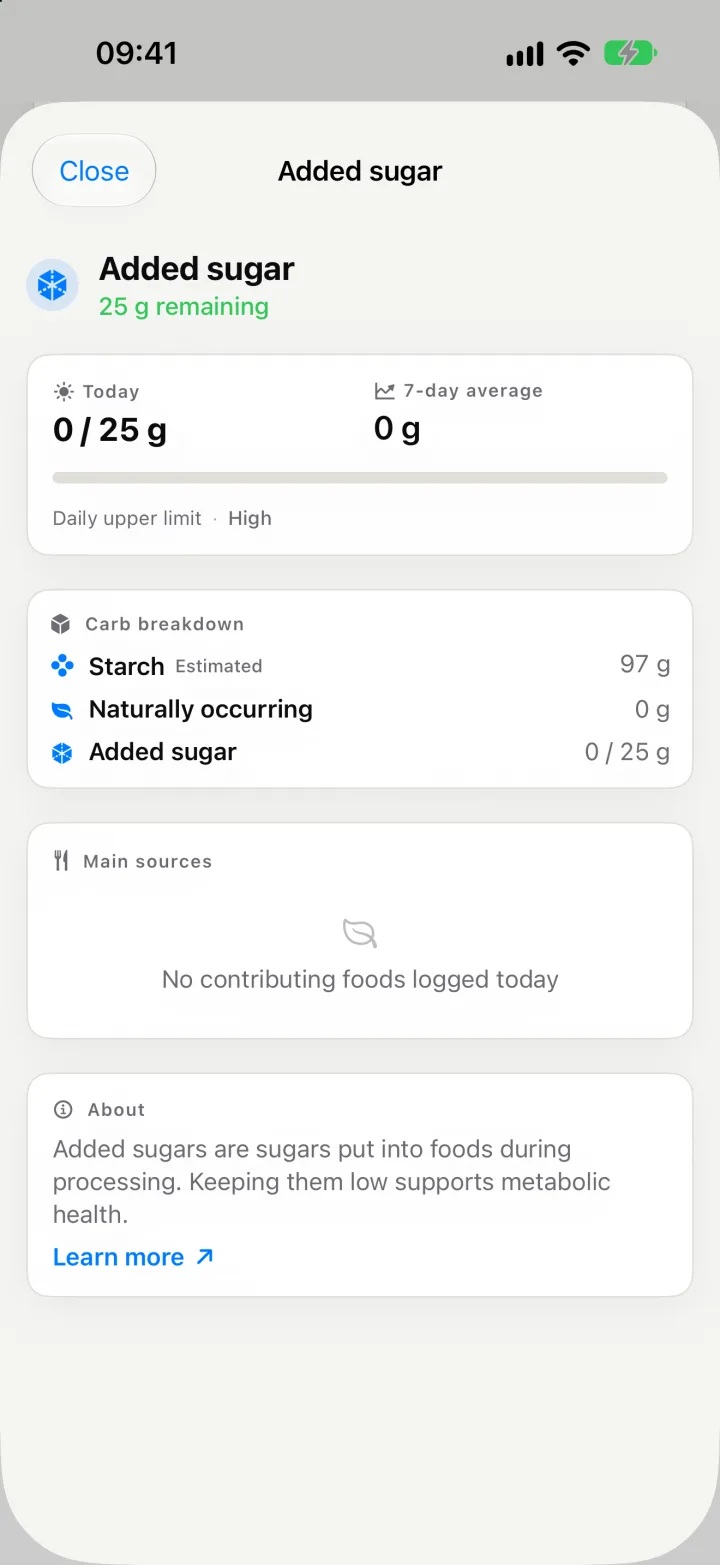 Macros & micronutrients
Over 40 nutrients per meal, from omega-3 to added sugar.
Nutrient breakdown
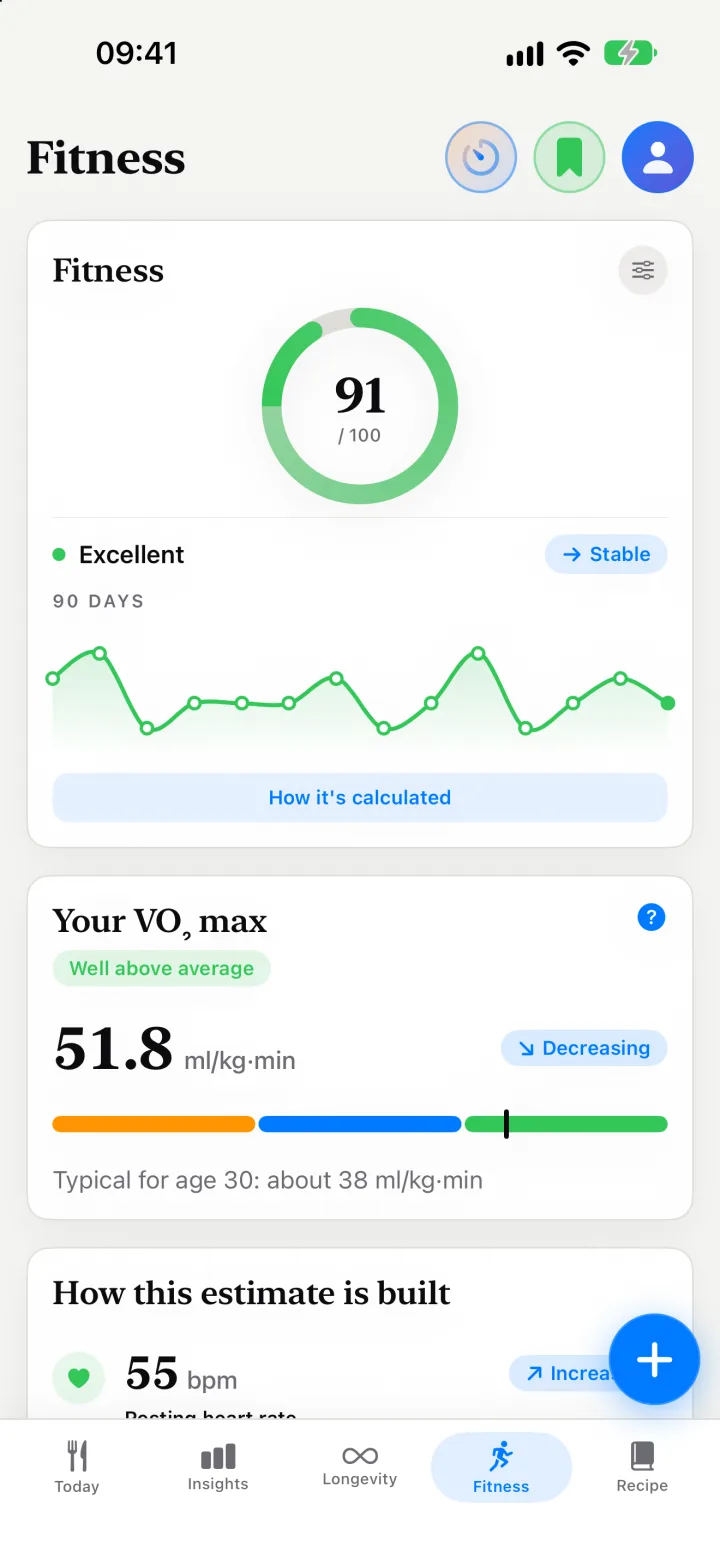 Longevity & VO₂ max
A Longevity Score, a Fitness score and an estimated VO₂ max.
Longevity Score
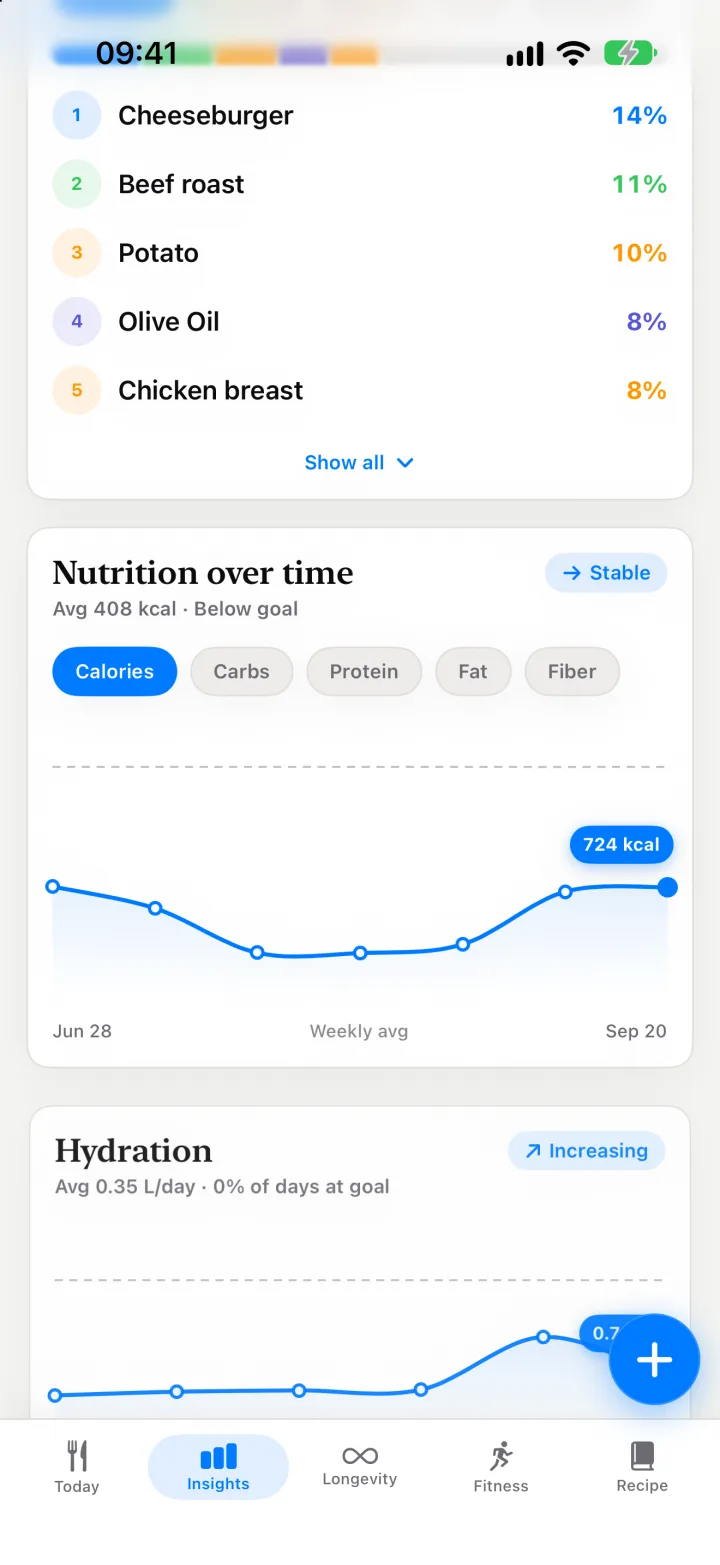 Insights
Your top foods, meal timing and nutrient gaps over weeks.
Insights
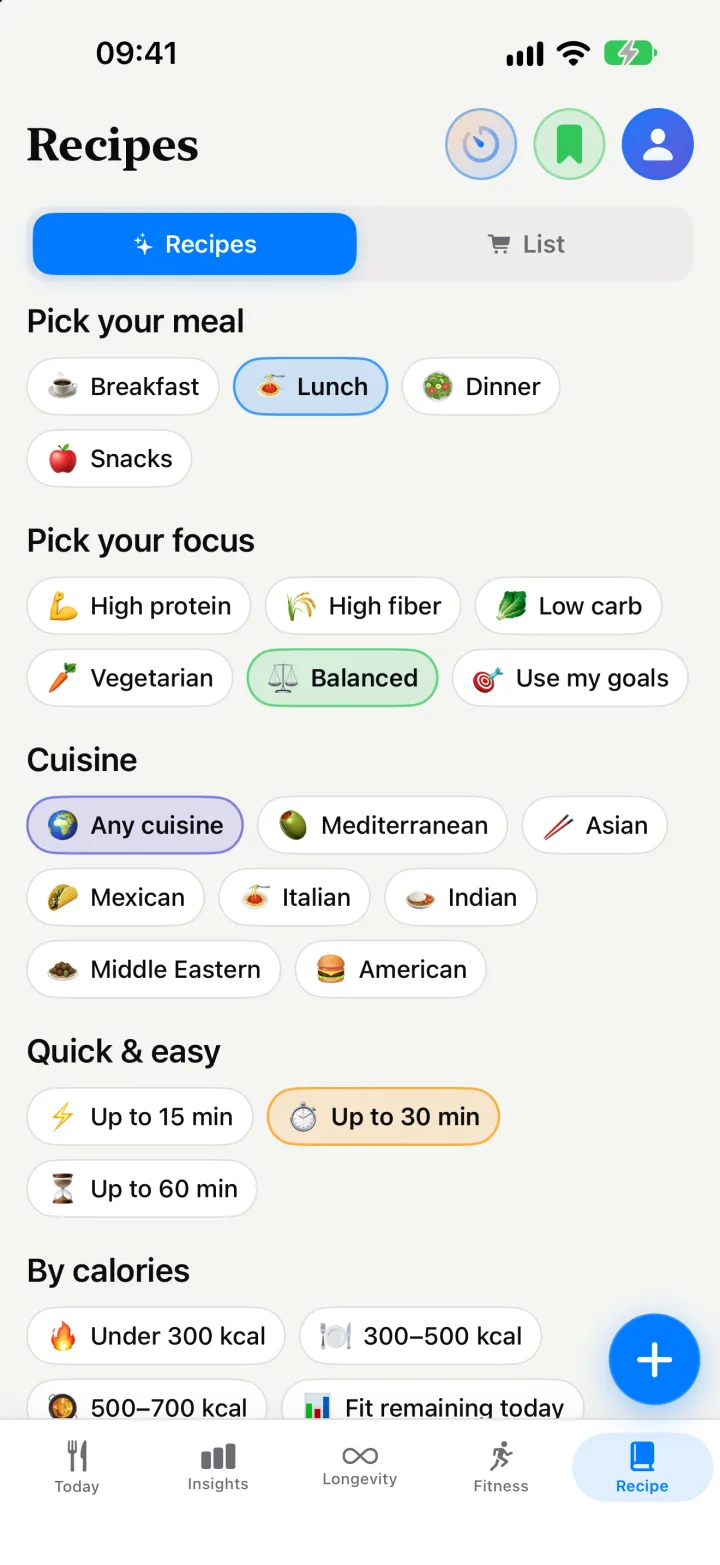 Recipes & shopping list
Recipes from what’s in your fridge, and a shared list.
Recipes
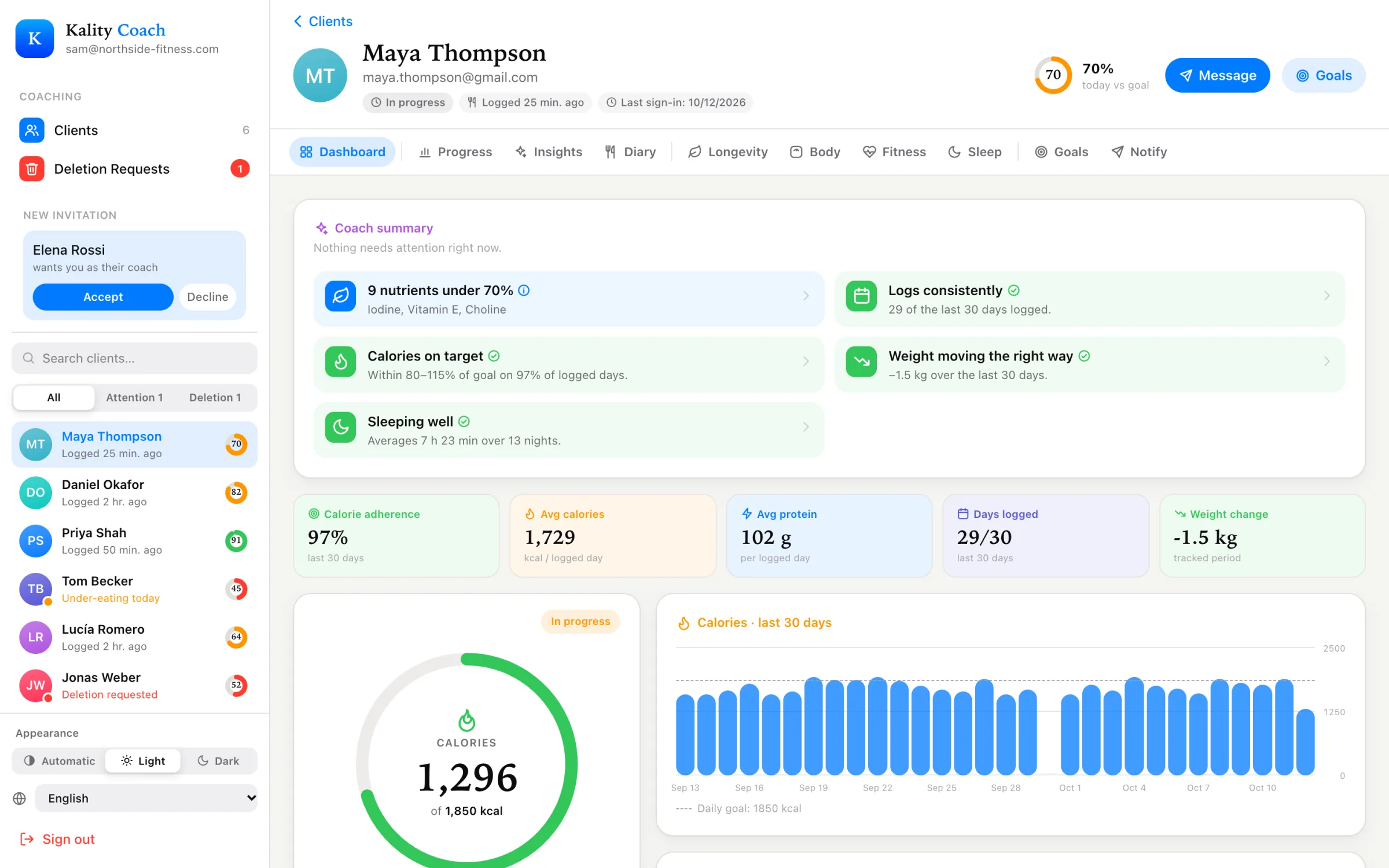 For coaches
A free dashboard for the meals and goals your clients share.
Coach dashboard