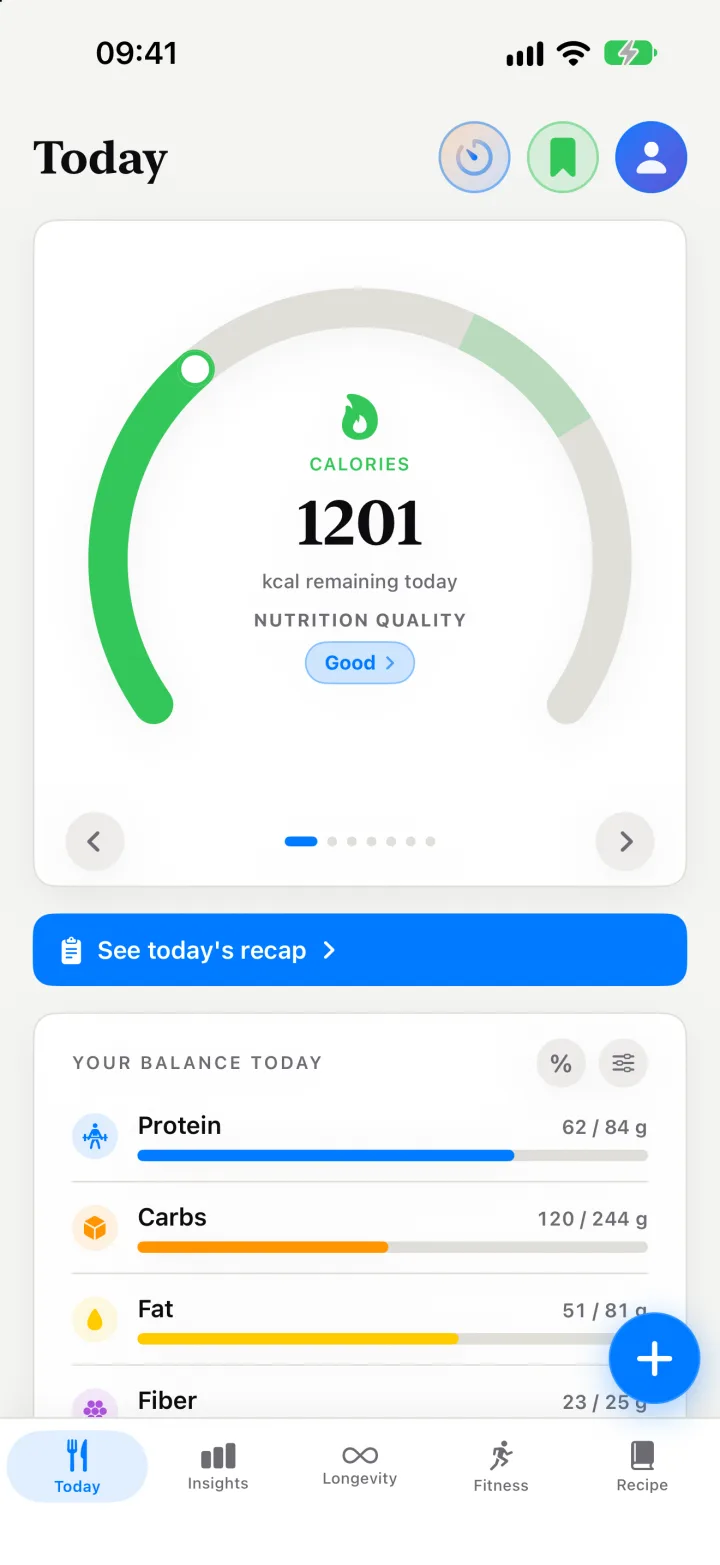
Classic calorie counting asks a lot of you. You search a database, pick one of twelve slightly different entries for “chicken salad”, guess a gram weight, and repeat for every ingredient. Three days in, lunch goes unlogged. A week in, the app goes quiet.
Kality starts from how you’d describe a meal to a friend: in one sentence.
Say it once
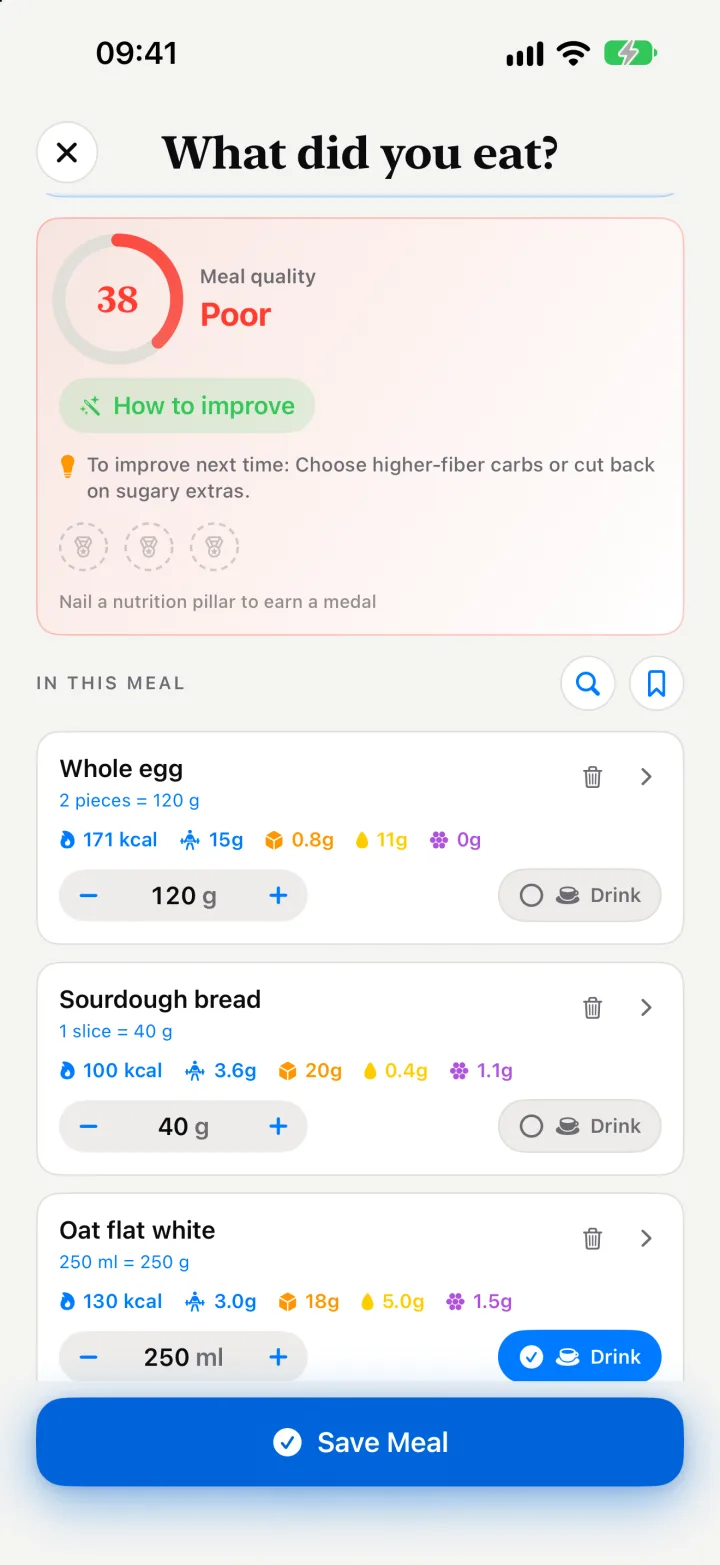
Tap the microphone and say “two scrambled eggs, a slice of sourdough and an oat flat white.” Kality splits that into three foods, gives each a portion, and adds up calories, protein, carbs, fat, fiber and dozens of vitamins, minerals and other nutrients. The meal lands in the right slot of your day: breakfast, lunch, dinner or snacks.
Voice is the fastest way, but not the only one. You can:
- Type it, in the same plain language you’d say it.
- Take or upload a photo of the plate.
- Scan a barcode. Packaged foods come from the Open Food Facts database, with gaps filled in when a label is incomplete.
- Scan or upload a nutrition label for anything without a barcode entry.
- Search foods, or pick from Favorites.
- Log again in one tap from My Meals, My Ingredients, My Drinks and My Supplements.
- Ask Siri, or use a Home Screen widget to see what’s left for the day.
An estimate you can fix in two taps
Any tracker that estimates food will sometimes guess wrong: a bigger bowl than usual, butter you forgot to mention. Kality never hides its guess inside a single total. Every meal is a list of ingredients, and each one can be opened to change the food or the portion. The meal total, your day and your scores update straight away.
Where your calorie goal comes from
When you set up Kality, it works out a daily calorie target from your age, sex, height, weight, activity level and goal. It uses the same widely used method many dietitians start from:
- Resting energy. The Mifflin–St Jeor equation estimates what your body burns at rest.
- Activity. That number is multiplied by an activity factor, from 1.2 for mostly sitting to 1.9 for very physical days.
- Your goal. Kality subtracts 500 kcal to lose weight, adds 300 to build muscle, or adds 500 to gain weight.
- Safety rails. The result is kept between 1,200 and 4,500 kcal a day.
| Activity level | Multiplier |
|---|---|
| Sedentary | 1.2 |
| Lightly active | 1.375 |
| Moderately active | 1.55 |
| Very active | 1.725 |
| Extra active | 1.9 |
By default, calories you burn in workouts recorded in Apple Health are added back to the day’s budget, so a long run doesn’t leave you under-fueled. You can switch that off in settings. If you work with a coach, they can also adjust your target from their dashboard and it updates on your phone in real time.
A weight plan that tells you the truth
If you’re losing weight, Kality builds a plan at a default pace of 0.5 kg a week, using the common rule of thumb that a kilogram of body weight is roughly 7,700 kcal. It labels your pace honestly: ideal up to 0.7% of your body weight per week, aggressive up to 1%, and beyond guidance above that.
It won’t quietly rewrite your plan if you push harder than it suggests. It shows a warning and lets you decide. When your trend makes it possible, it also estimates the date you’ll reach your goal.
Calories are the start, not the finish
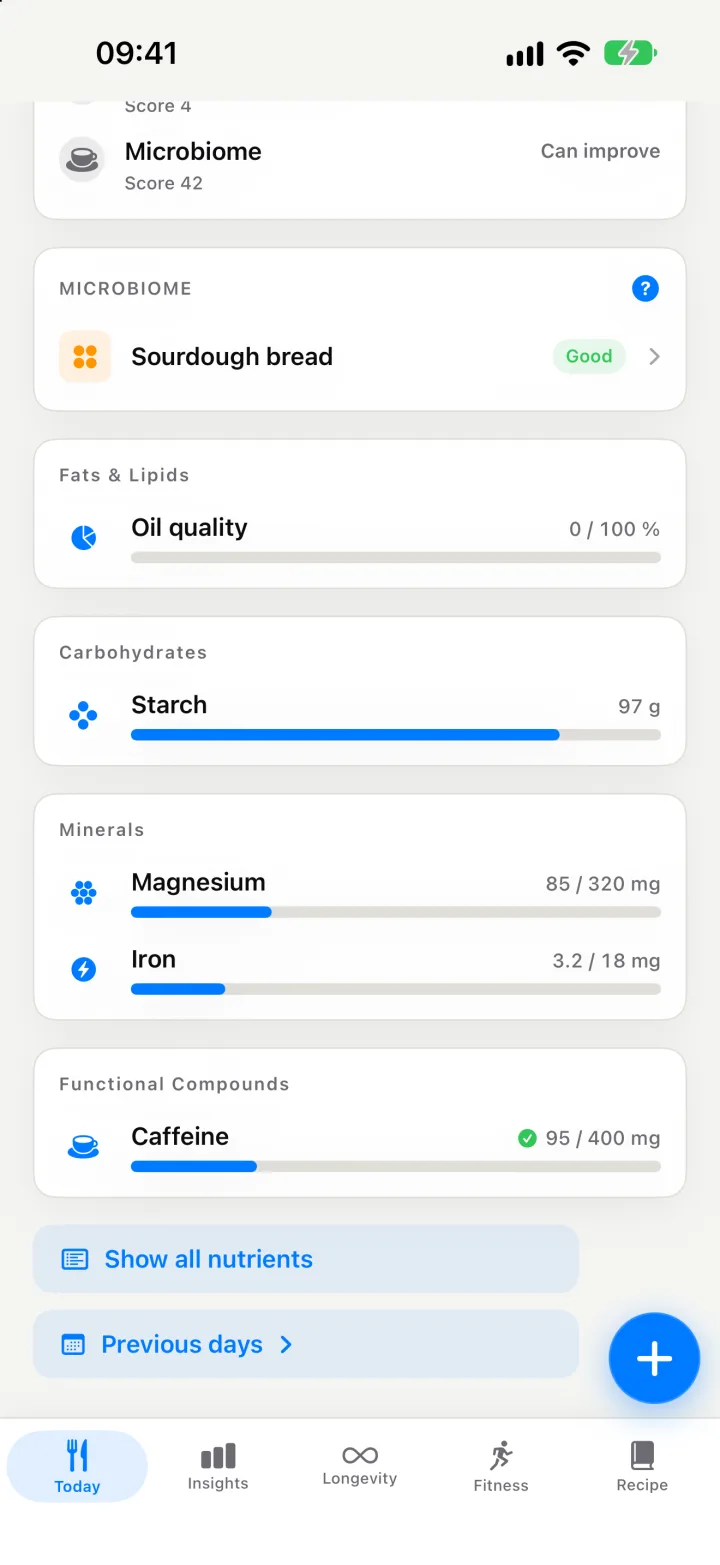
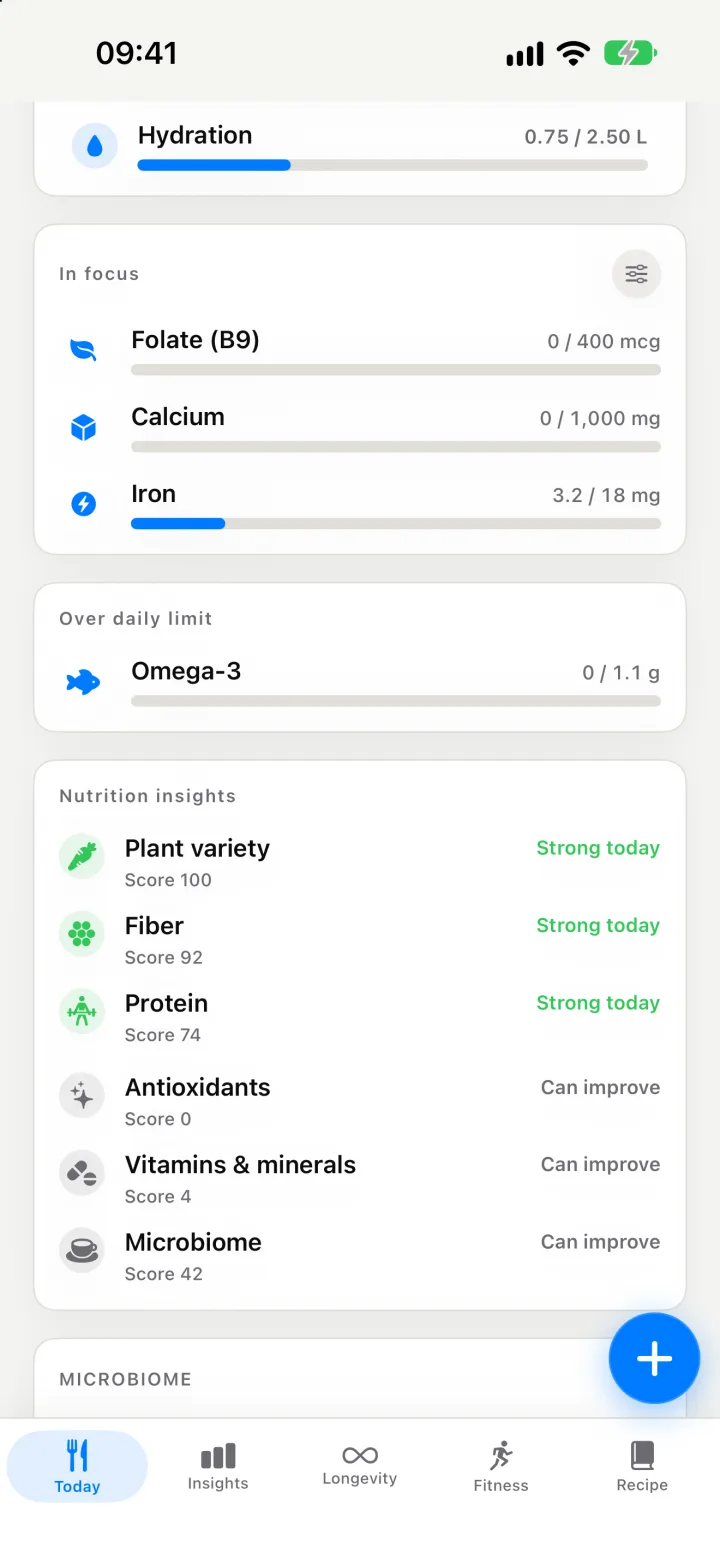
Hitting a calorie number is useful. But 1,800 kcal of pastries and 1,800 kcal of fish, vegetables and grains are very different days. That’s why every meal in Kality also gets a meal quality score, and why the app tracks macros and micronutrients alongside the total.
Kality gives general nutrition information, not medical advice. If you have a medical condition, are pregnant, or have a history of disordered eating, talk to a qualified health professional before changing how you eat.