You probably already track your sleep with an Apple Watch or a sleep app. What’s usually missing is the link to everything else. Kality reads the sleep already in Apple Health and puts it on the same screen as your meals, steps and workouts.
What Kality reads
When you connect Apple Health, Kality asks to read your sleep. Any device or app that writes sleep to Health works: Apple Watch, WHOOP, Oura and others. Kality only reads your sleep and never writes it back to Health, so a night is never counted twice.
For each night you’ll see:
- Time asleep, time in bed and time awake in bed.
- Bedtime and wake time.
- Sleep stages: deep, REM and light (Apple calls light sleep “core”), if your device records them.
- A timeline of the night, with the time and share of each stage.
- Key sleep metrics, such as heart rate, HRV, breathing rate, blood oxygen and wrist temperature, each compared with your own usual.
Naps are handled sensibly. A break of more than an hour starts a new sleep session, and on days with several sessions, the one with the most sleep is treated as your night.
The sleep score
Apple doesn’t share its own sleep score with other apps, so Kality calculates its own from 0 to 100 and says so on screen. It’s built from three things:
- 45%Duration
- 35%Efficiency
- 20%Restorative sleep
- Duration: 7 to 9 hours asleep earns full marks. Between 6 and 7 hours earns 80, and between 5 and 6 earns 55. Sleeping 9 to 10 hours still earns 88, and 10 hours or more earns 70, because very long sleep isn’t a win either.
- Efficiency: the share of your time in bed that you actually spend asleep. 92% or more earns full marks.
- Restorative sleep: the share of your sleep spent in deep and REM stages. 40% or more earns full marks.
If your device doesn’t record stages, the score uses only duration (55%) and efficiency (45%).
Consistency matters as much as length
Going to bed at 11 one night and 2 the next is hard on your body clock even if the total adds up. The Sleep tab’s trends and Sleep insights show:
- Your average over the last 7 nights, and which way it’s trending, with consistency over the last 90 days.
- The share of nights in the 7–9 hour band.
- Your average bedtime compared with last night’s.
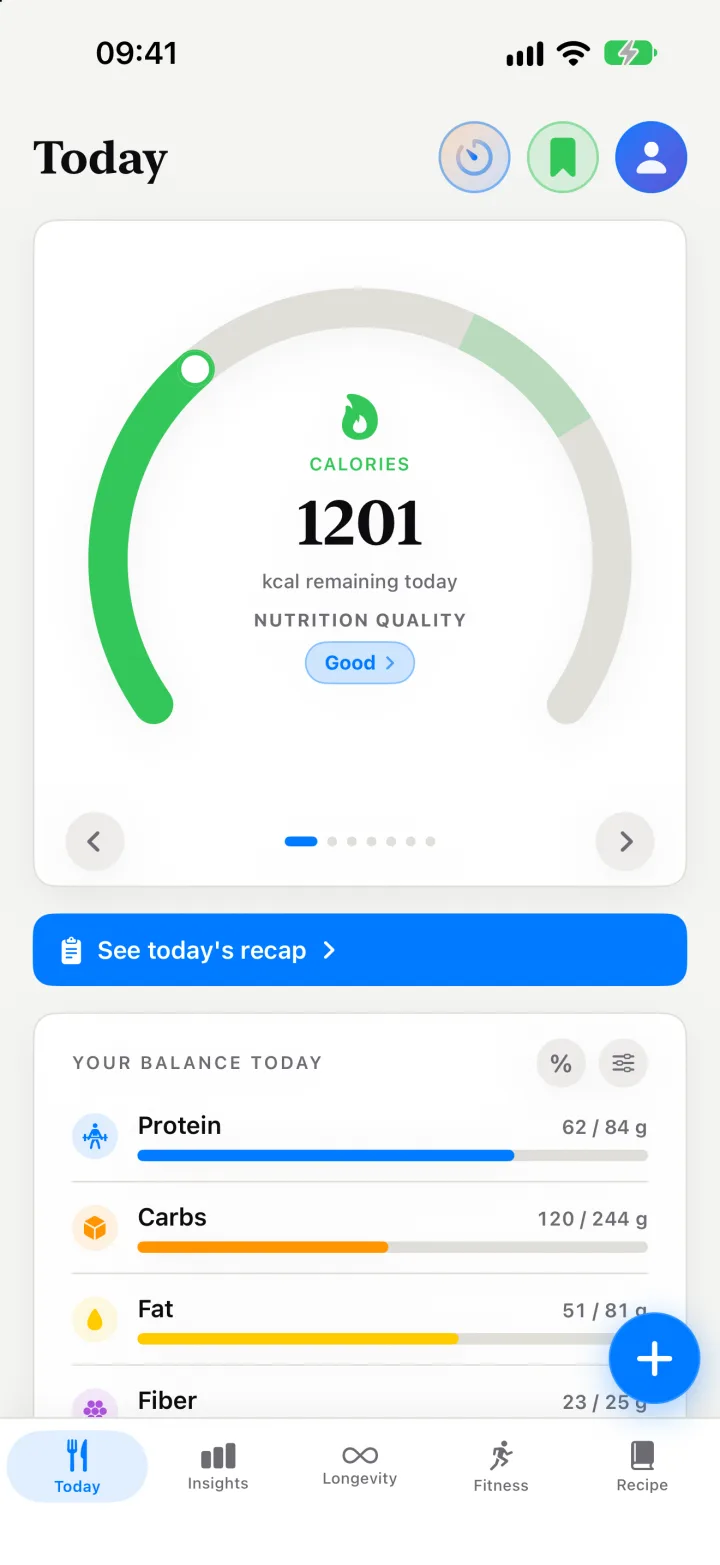
On the Today screen, a sleep ring shows last night against an 8-hour mark. Last night is free; the week and 90-day trends are part of Premium.
New: record your night and listen back, for free
No tracker? Your iPhone is enough. Put it on the nightstand, tap Start sleep on the Sleep tab and wake up to a Snore Score, with each minute sorted into quiet, light, loud or epic snoring. Kality records the whole night and marks snoring, talking and coughing, so you can jump straight to them in the night player. The recording is analysed on your iPhone by Apple’s built-in sound analysis, never leaves it, and is deleted after 7 days unless you keep it. If you also track with a watch or ring, Kality adds the snoring to that night. See how sleep and snore tracking work.
Why put sleep next to food?
Many people notice they snack more and choose differently after a bad night. Seeing a week of short nights next to a week of lower meal quality scores makes that pattern hard to miss, and easier to plan around. It works the other way too: What affected your sleep compares your time asleep and sleep score on nights with and without a late meal, alcohol, late caffeine or a fast, all taken from your food log, and says whether it’s still collecting data, an early pattern or a consistent one.
Sharing sleep with your coach
If you connect with a coach in Kality, sleep is part of the Activity and sleep data you agree to share, along with steps, active energy, workouts and resting heart rate. Your coach’s dashboard has a Sleep tab: your last night, stages and bed and wake times, snoring from the nights you record, and what goes with your better and worse nights. The sound itself is never shared. It helps explain a stalled week or a flat training session without you having to bring it up.
Sleep has its own tab in Kality, and it’s free: recording on iPhone and your latest night, with its Sleep Score, timeline, Snore Score and recording. Premium adds earlier nights, keeping recordings, the week and 90-day trends, what changes your sleep and snoring across nights, and recording on Apple Watch.
Kality gives general nutrition information, not medical advice. If you have a medical condition, are pregnant, or have a history of disordered eating, talk to a qualified health professional before changing how you eat.